

Introuction to Modern Day Automation using n8n

Share this article


Today, we will learn about automation using a modern tool called n8n. We often hear the keyword automation in software development, such as testing or automation testing, but this one is different. It is not just for testing; it brings a lot to the table with enormous capability to perform tasks automatically.
What is n8n?
n8n is an open-source workflow automation tool that lets you connect apps, tools, or even run scripts and automate tasks using visual flows. You don’t need to write code to set up workflows—everything can be done from the UI.
For example, you can send automated emails to your clients, perform web scraping, or send messages to Slack or Discord. These are some basic examples, but if I try to explain everything this tool is capable of, it may take the entire article itself.
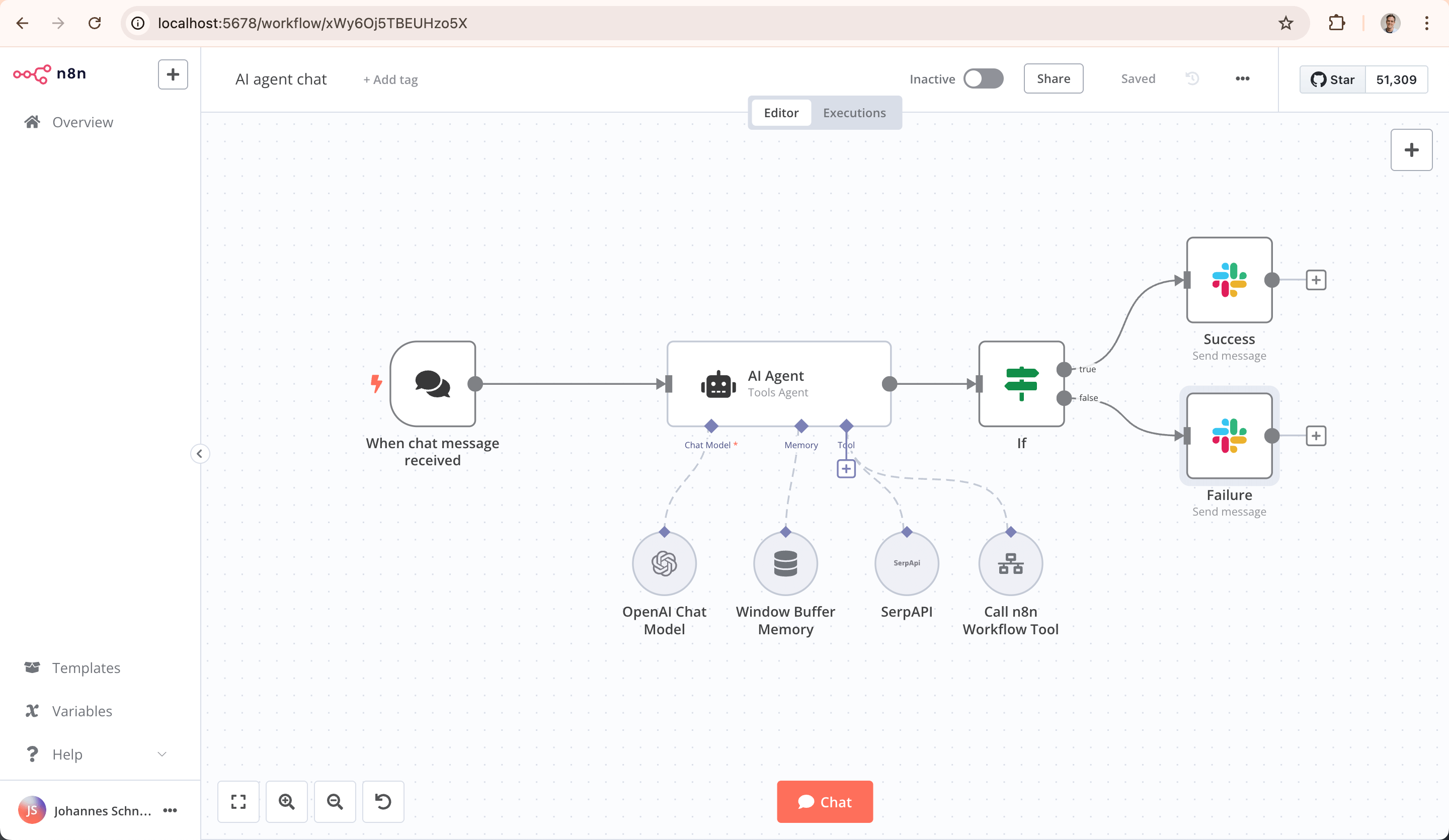
Just like in the image above, everything is in your control and can be achieved without writing any code. We are going to deep dive into it by building an automated Gmail spam mail cleaner.
So, is your Gmail inbox spam-free? I don’t think so. Nowadays, it is very common that every place you sign up for pushes tons of irrelevant emails that you have no interest in reading, which fills up your mailbox.
Today, we are going to clean that up automatically using n8n, but there are some requirements.
Requirements
Before you start, here are a few things you need, or at least should be familiar with, to set up a Gmail cleaner.
Docker - Yes, you need to have a basic understanding of Docker and how to spin up a Docker Compose file.
Cloudflare Tunnelling - Yes, we need a tunnel to proxy our localhost server to the internet, and we are going to use Cloudflare Tunnel for this article.
Google Cloud for OAuth - Yes, you need access to the Google Cloud Console to configure OAuth for Google authentication.
Does this look complicated or hard? Or maybe you don’t want to go through all of this? There is an easier way. You don’t need to know Docker or any tunnelling, and you can get everything instantly up and running by purchasing it from https://n8n.io/pricing.
However, in this article, I am going to guide you through the free way of doing it without any purchase, since all the tools we need are available for free.
Tunnel Creation
Let’s start by creating a tunnel because we will need a domain name later while spinning up a Docker Compose file and configuring OAuth. So, let’s first get a domain for our localhost server.


